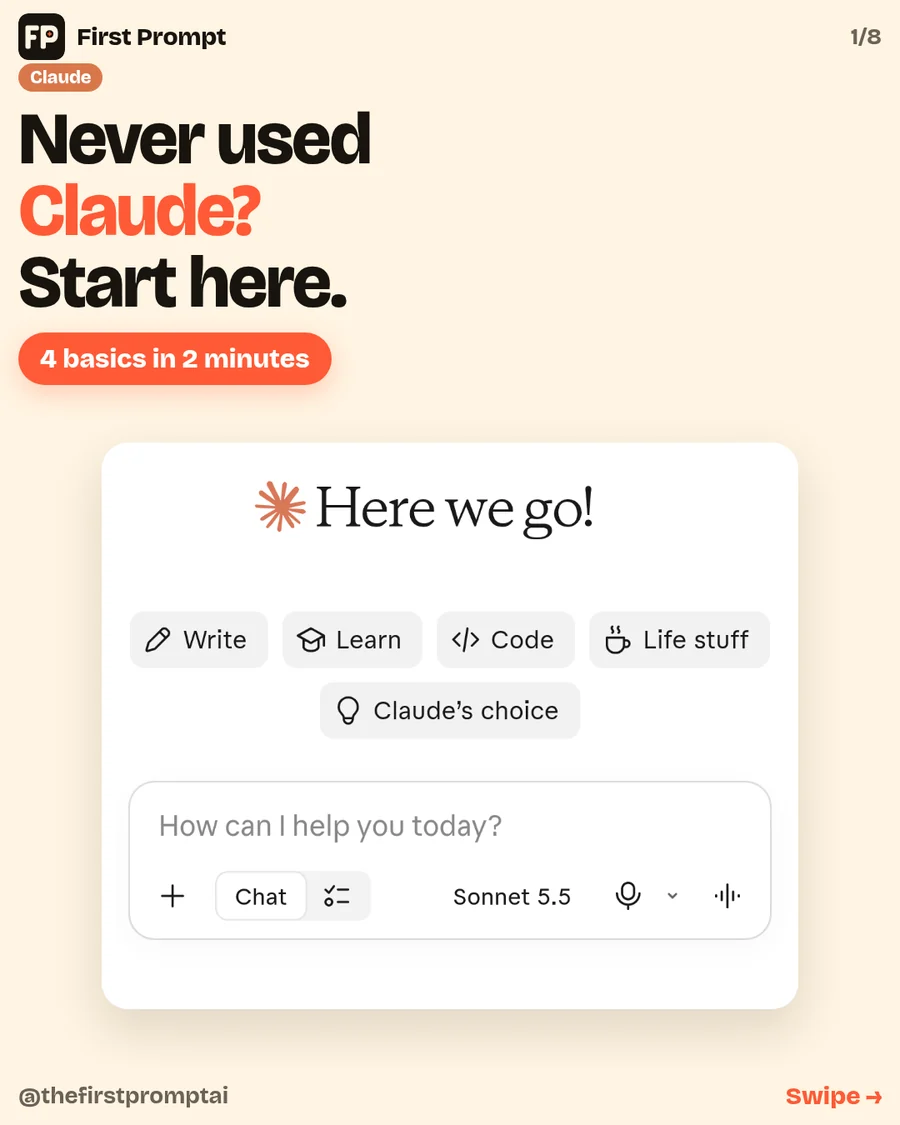
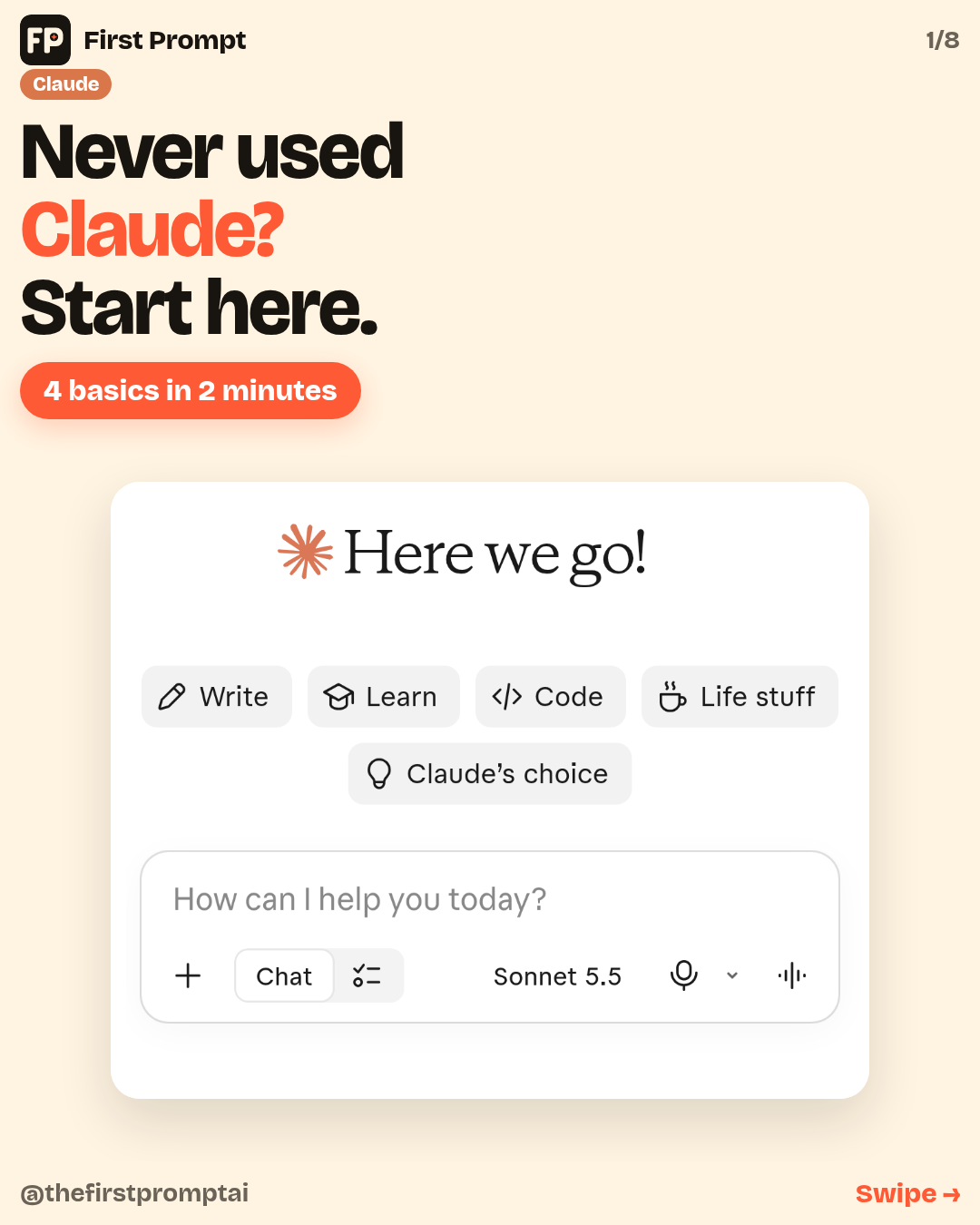
You can do this on the free plan, on your phone. The pictures below are the whole screen, so you can see exactly where to tap.
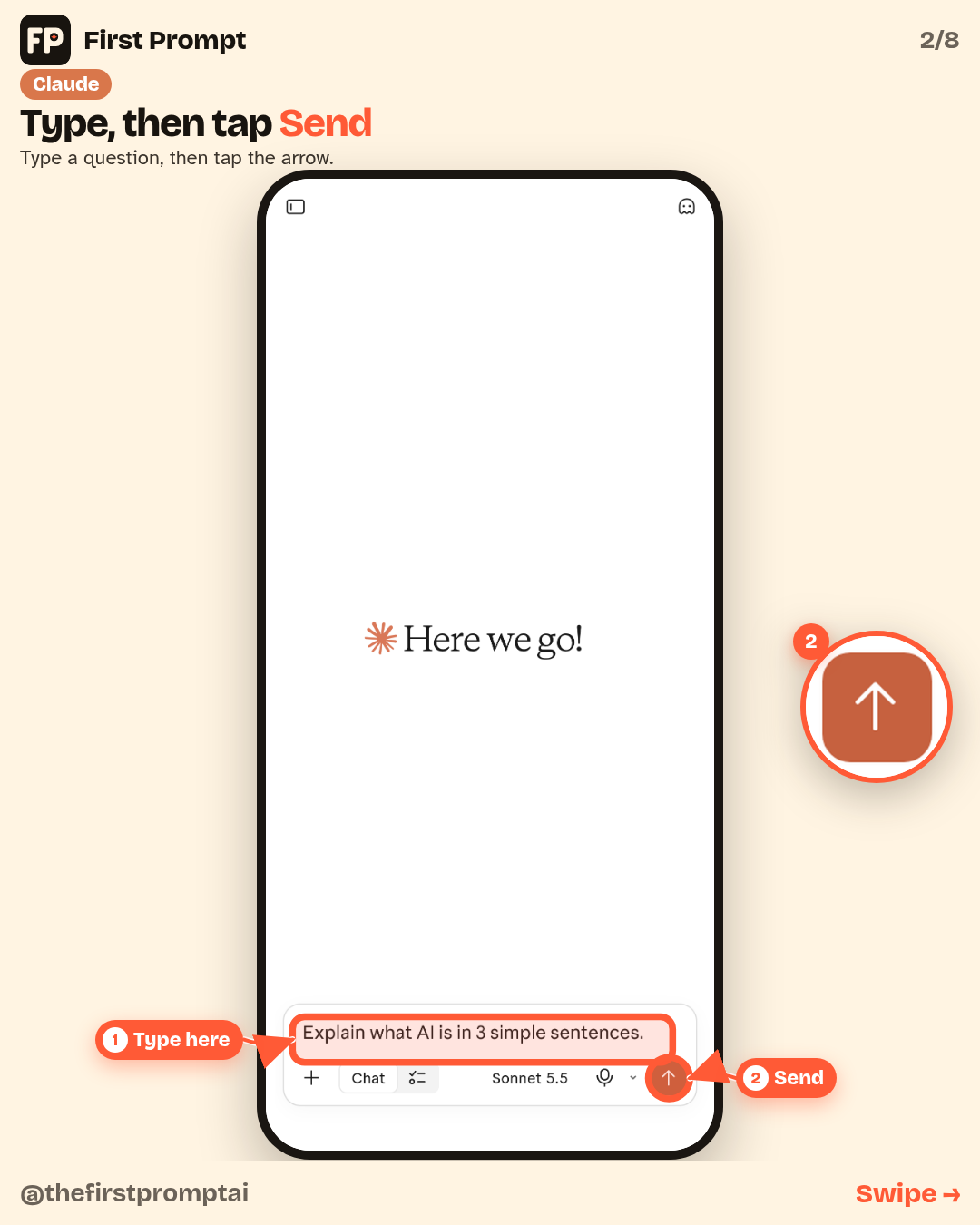
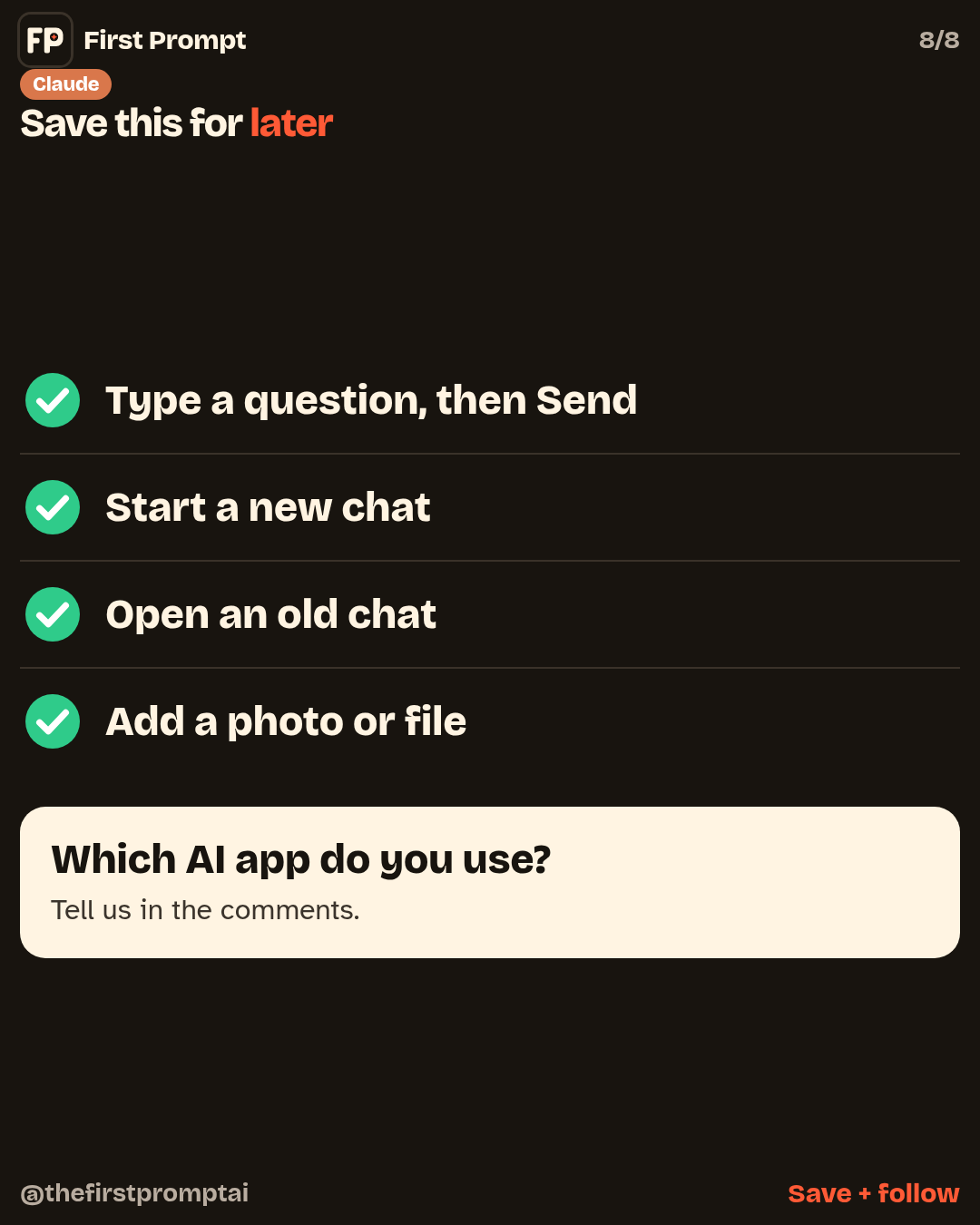
1. Type, then tap Send
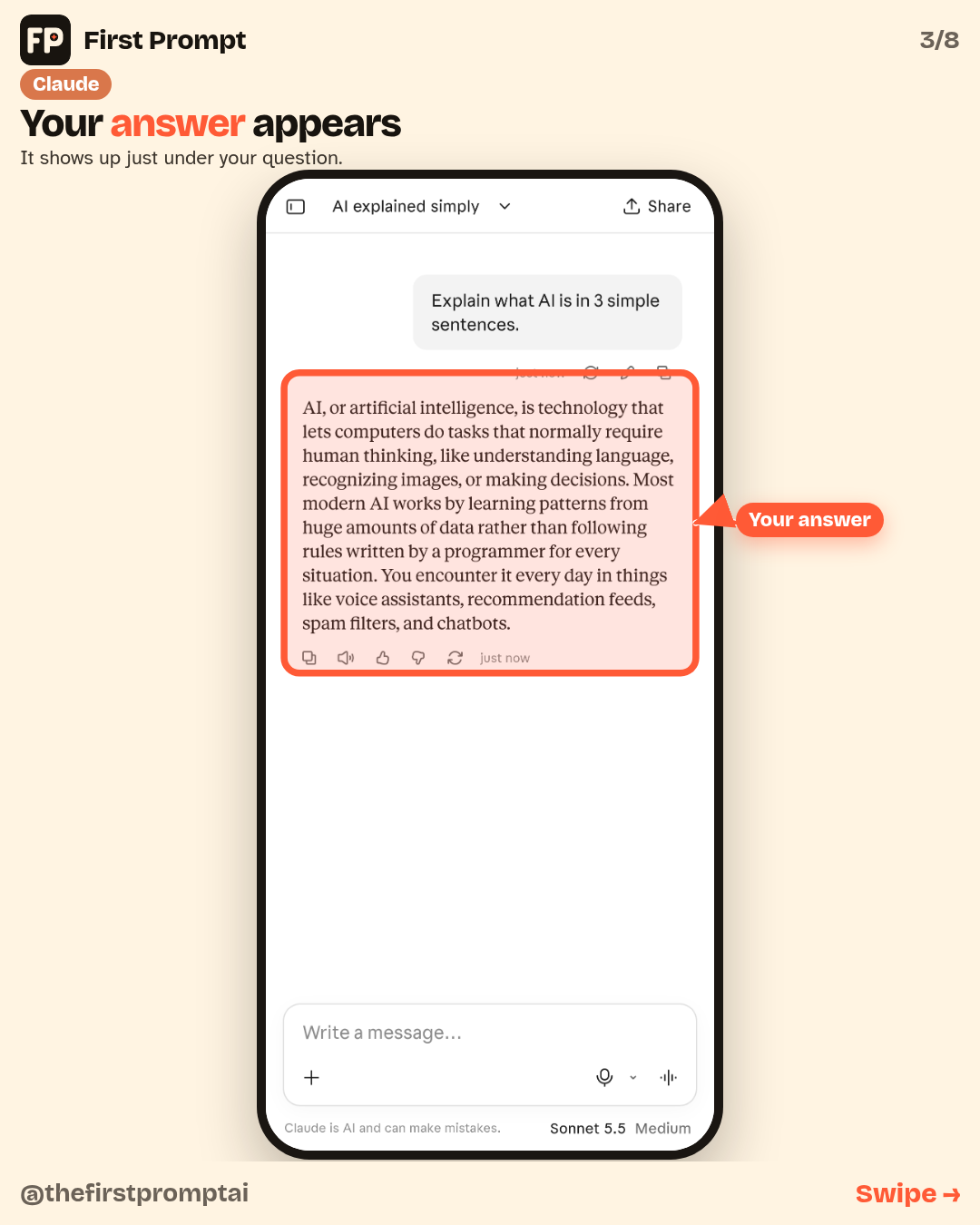
Type a question in the box at the bottom. Then tap the orange arrow on the right. The answer shows up just under your question.
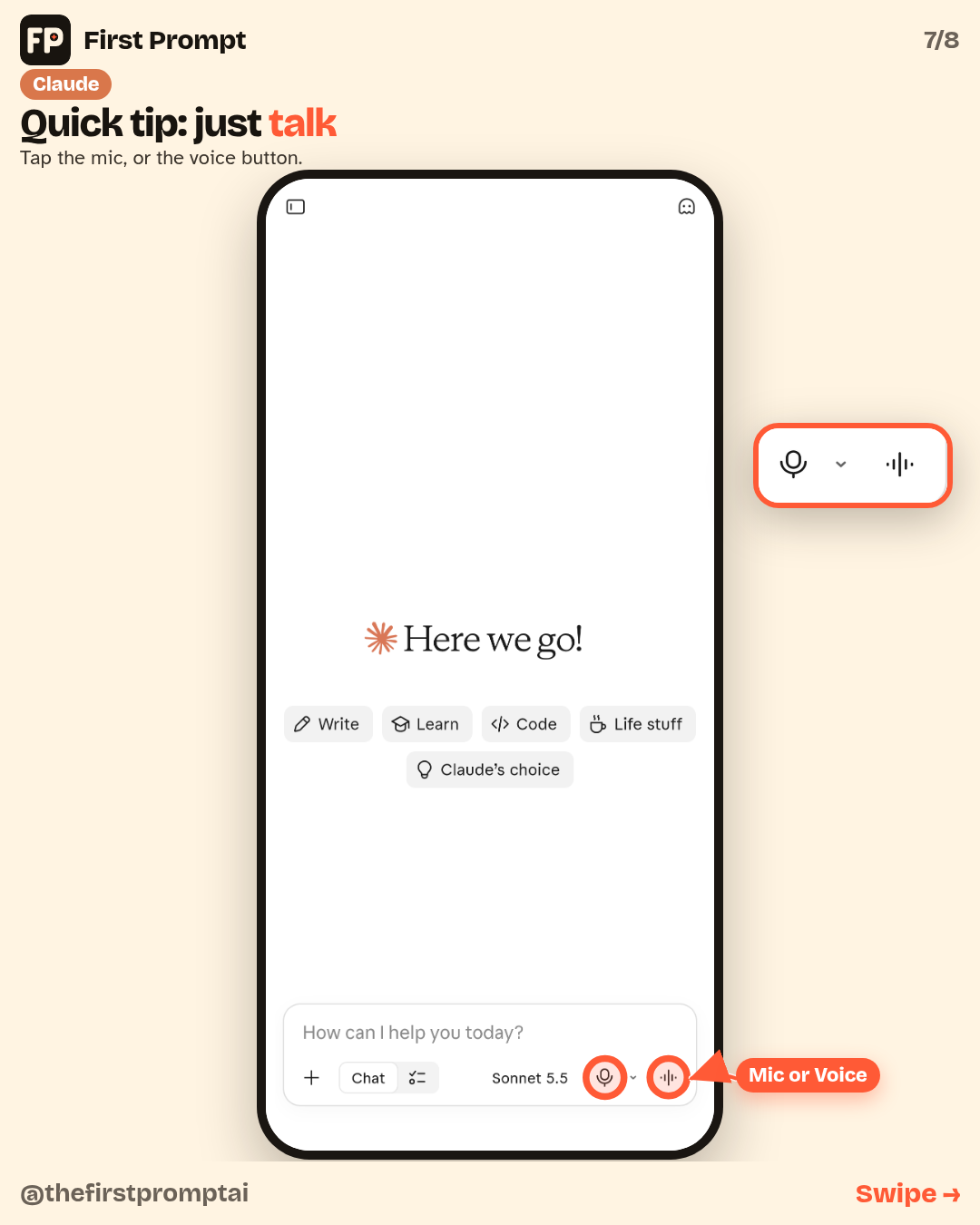
The microphone stays in the box. The Send arrow replaces the voice waveform after you type.
2. Start a new chat
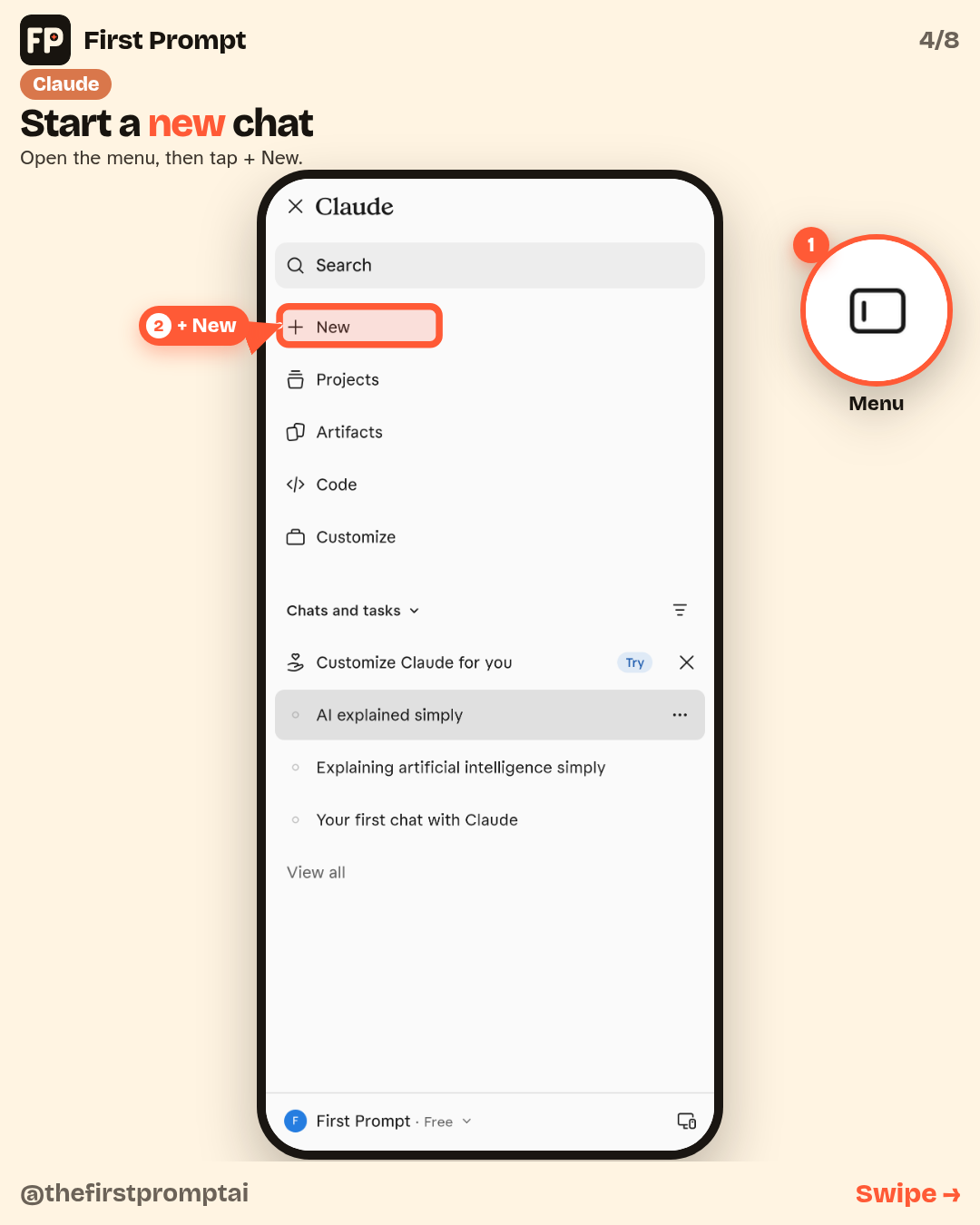
Open the menu (the button at the top left), then tap + New near the top. That gives you a fresh conversation.
3. Open an old chat
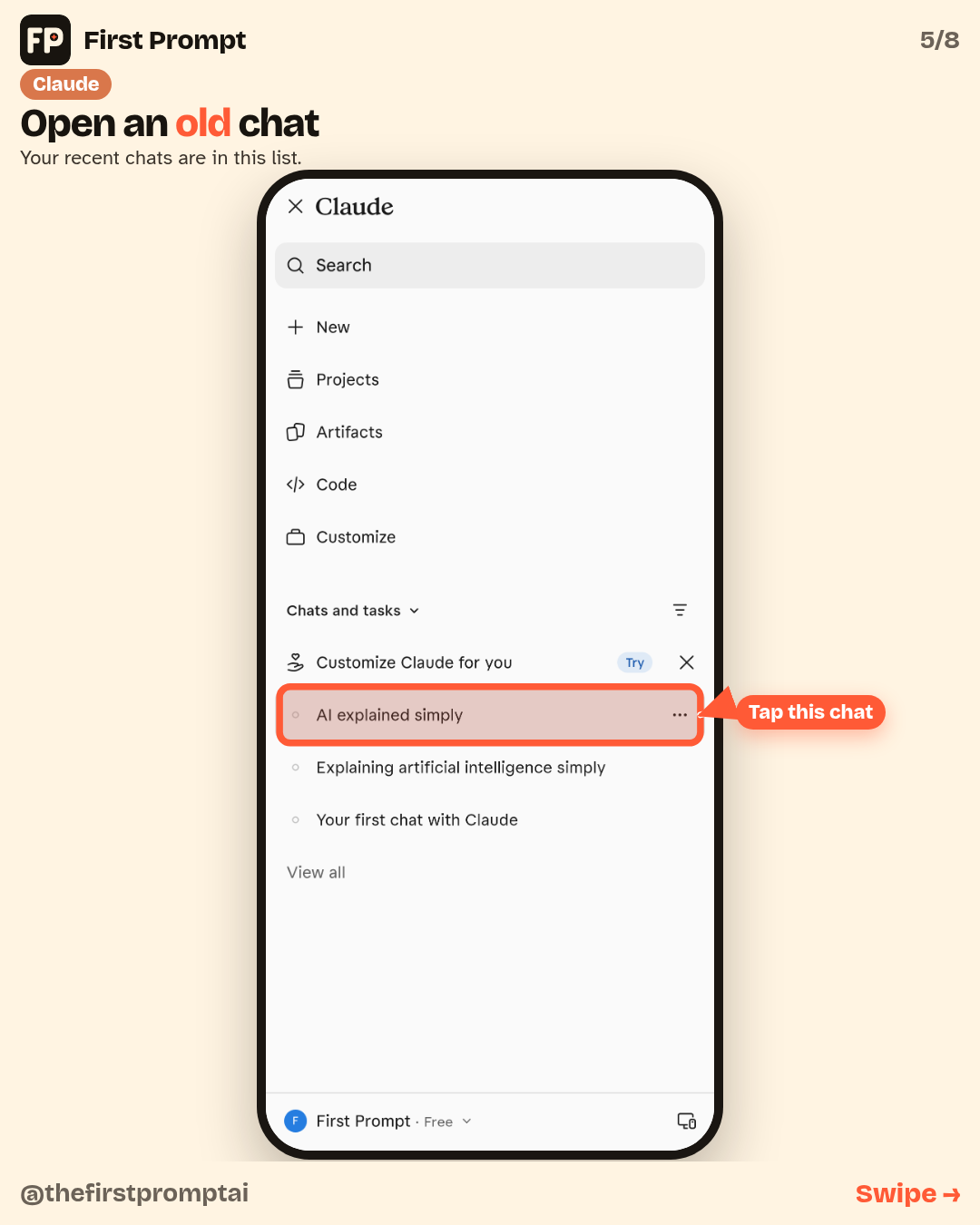
Your recent chats are in the same menu, in a list. Tap one to reopen it.
4. Add a photo or file
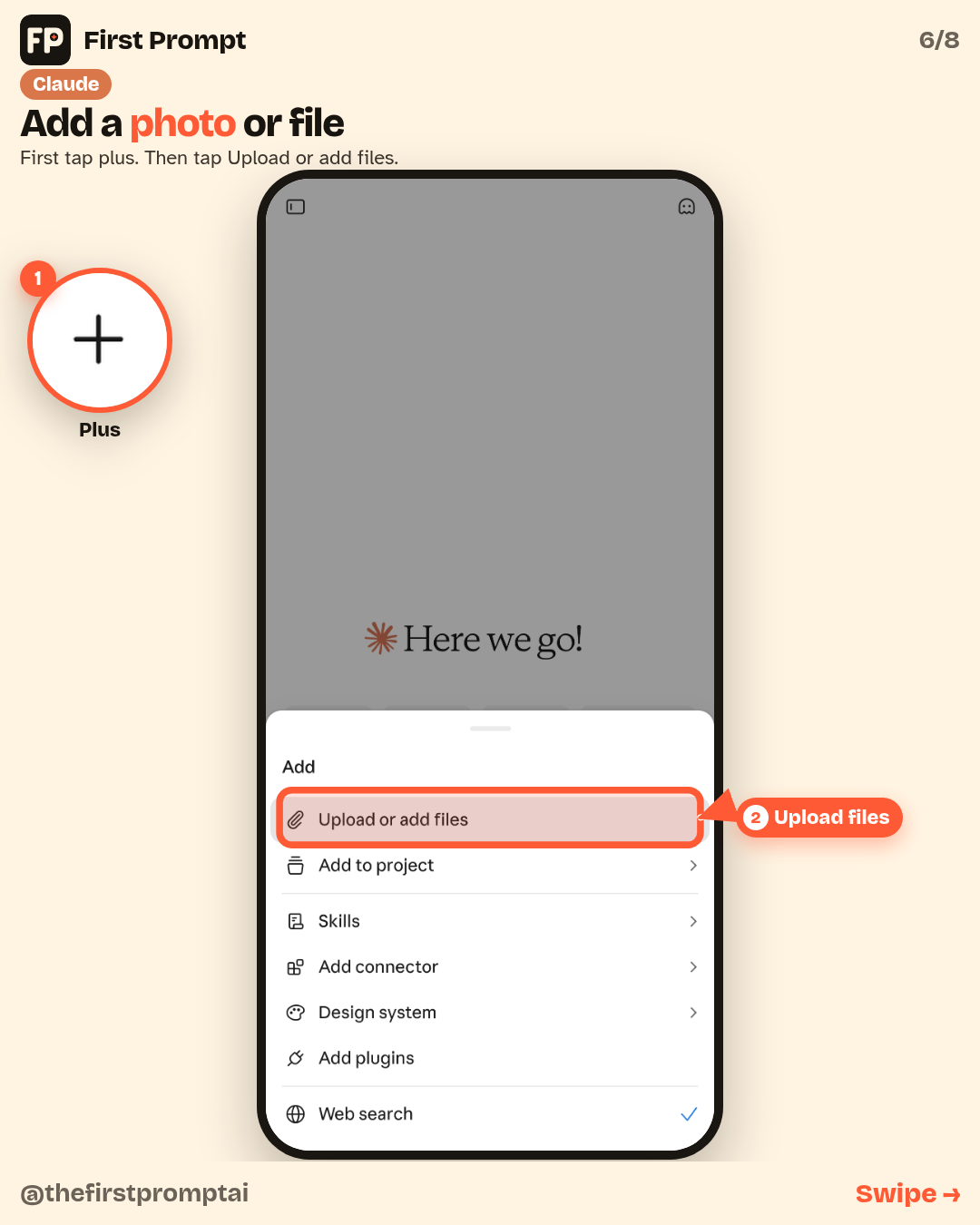
Tap plus, then tap “Upload or add files.” Claude does not have a separate Photos row. This is the place to add a picture or a document.
Quick tip: just talk
You can talk instead of type. Tap the mic, or the voice button on the right of the box.
A safety note
Claude can make mistakes. Check anything important yourself. Don’t type passwords, card numbers or ID numbers into the chat.
Free plans have limits. If you hit one, wait a few hours or try another app.
Want to go further?
Not sure this is the right app? See Which AI app should you start with?. Then try New to AI? Try these 5 first, or learn What is a prompt?. You can also start with ChatGPT basics or Gemini basics.